Component identification
Review logos, serial numbers and traceability codes on the exact metal, coating or other material used in production.
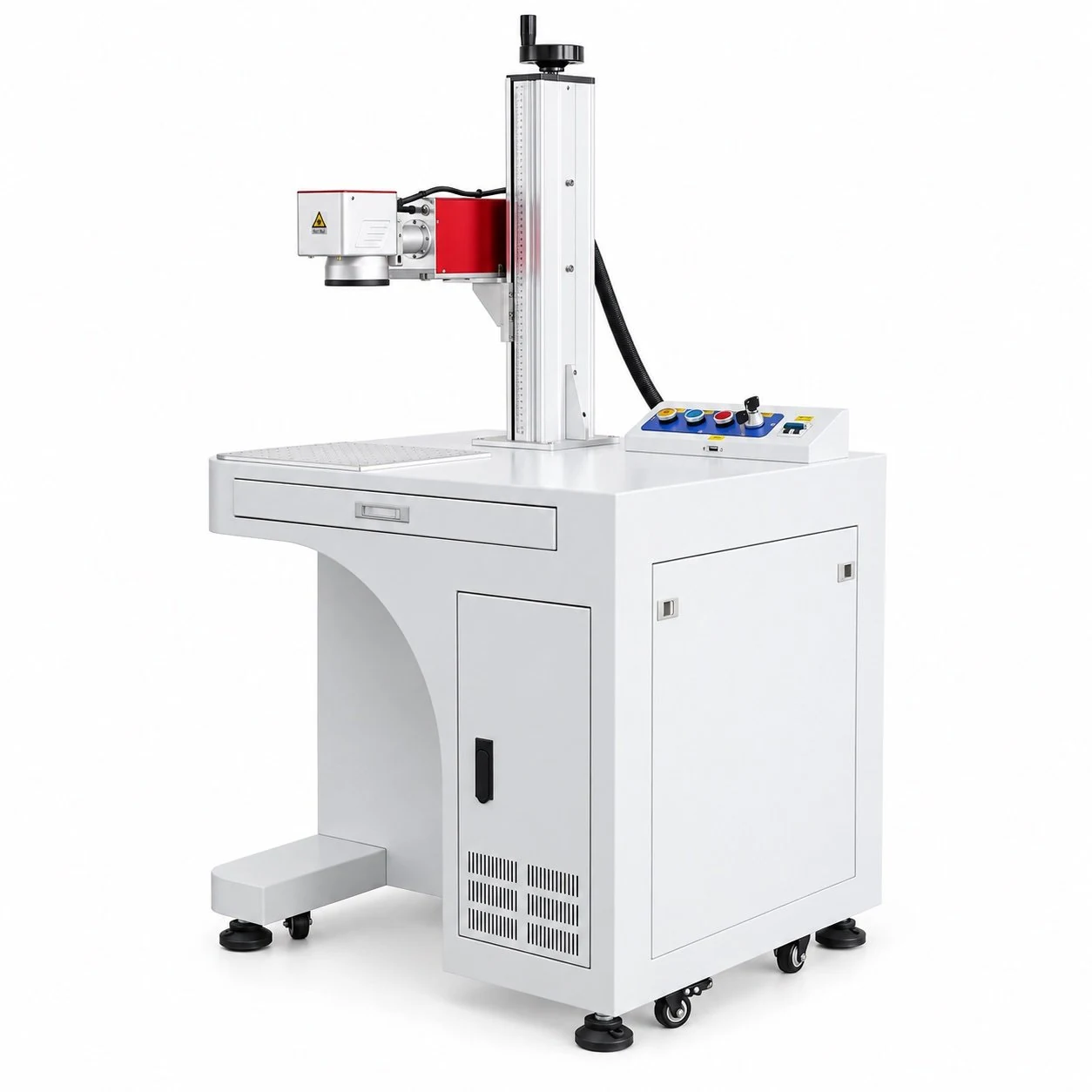
Bring manually loaded marking work to a dedicated floor-standing station. FY-LMM01 provides an open workstation format; configure the source, lens and positioning around the component, required mark and operator workflow.
Confirm the final equipment and configuration in the quotation.
Review logos, serial numbers and traceability codes on the exact metal, coating or other material used in production.
Plan repeatable manual loading with a fixture, defined focus position and an approved first-piece reference.
Define counters, date formats and serial rules, then confirm the software and data workflow required for each job.
Match the equipment to the material, part and production workflow.
Open access can help when part shapes vary. Review the full workpiece and fixture envelope before choosing the marking field or setting the working height.
No. The field describes lens coverage. Part fit also depends on the table, column, fixture, working distance and access around the station.
Confirm the final equipment and configuration in the quotation.
Material grade, finish and the intended result guide source and lens selection. Define what an acceptable mark looks like before comparing proposed configurations.
Do not assume it will. Review fiber, MOPA, CO2 or UV as appropriate, and confirm the selected configuration on representative material.
Confirm the final equipment and configuration in the quotation.
A useful production target includes loading, positioning, marking, inspection and unloading. Build the fixture and workstation arrangement around that complete sequence.
Confirm it separately. Provide part diameter, length, weight and marking position so the fixture, clearance and software requirements can be reviewed.
Confirm the final equipment and configuration in the quotation.
Confirm the final equipment and configuration in the quotation.
| Machine format | FY-LMM01 floor-standing open workstation |
|---|---|
| Part handling | Manual loading; fixture selected for the part |
| Working envelope | Confirm part dimensions, Z-axis clearance and access |
| Laser source / power | Application-specific; identify the exact source in the quote |
| Lens / field | Select for artwork, detail and working distance |
| Rotary arrangement | Review against the complete cylindrical workpiece |
| Process acceptance | Agree sample result and complete cycle target |
| Installation scope | Confirm power, cooling, extraction, guarding, computer and software |
The platform is identified below; the quoted equipment and operating values depend on the approved application.
For source selection, compare fiber , MOPA , CO2 and UV laser marking machines .
| Item | Configuration / information to confirm |
|---|---|
| Machine platform | FY-LMM01 floor-standing open workstation |
| Part handling | Manual loading; fixture and rotary requirements reviewed by part |
| Working envelope | Confirm largest part, Z-axis clearance and access to the marking field |
| Laser source and rated power | Selected for the material and required mark; confirm the exact source in the quotation |
| Lens and marking field | Confirm artwork dimensions, smallest feature, depth and required contrast |
| Process performance | Agree sample result and cycle or line-speed target for the actual material |
| Utilities and supply scope | Confirm electrical supply, cooling, extraction, computer, software and fixtures |
It provides a dedicated workstation for manually loaded parts. Check its table access, working envelope and installation space against the actual production sequence.
These can be reviewed as application requirements. Supply the complete content, dimensions and reading criteria so the process and software can be specified.
Request the source, lens, working envelope, fixtures, software, installation equipment and sample-acceptance conditions as an itemised configuration.
Send your material and finish, part drawing, artwork, required result and daily output. Include loading needs, destination and electrical supply for an FY-LMM01 configuration review.
Continue on our contact page to share your application and request a configuration.
Discuss my application ↗